
Functions Overview
Functions let you run custom server-side code that connects your HubSpot portal to external services and automates workflows. Each function is a tiny server — a lightweight, serverless script that runs on the edge.
What Functions Do
Section titled “What Functions Do”Unlike UI extensions (which render components inside HubSpot), functions run behind the scenes. They can:
- Receive incoming HTTP requests from webhooks or other services
- Run on a recurring schedule (cron jobs)
- Call any external API — HubSpot, Slack, Stripe, SendGrid, databases, and more
- Read and write HubSpot CRM data using the HubSpot API
Page Layout
Section titled “Page Layout”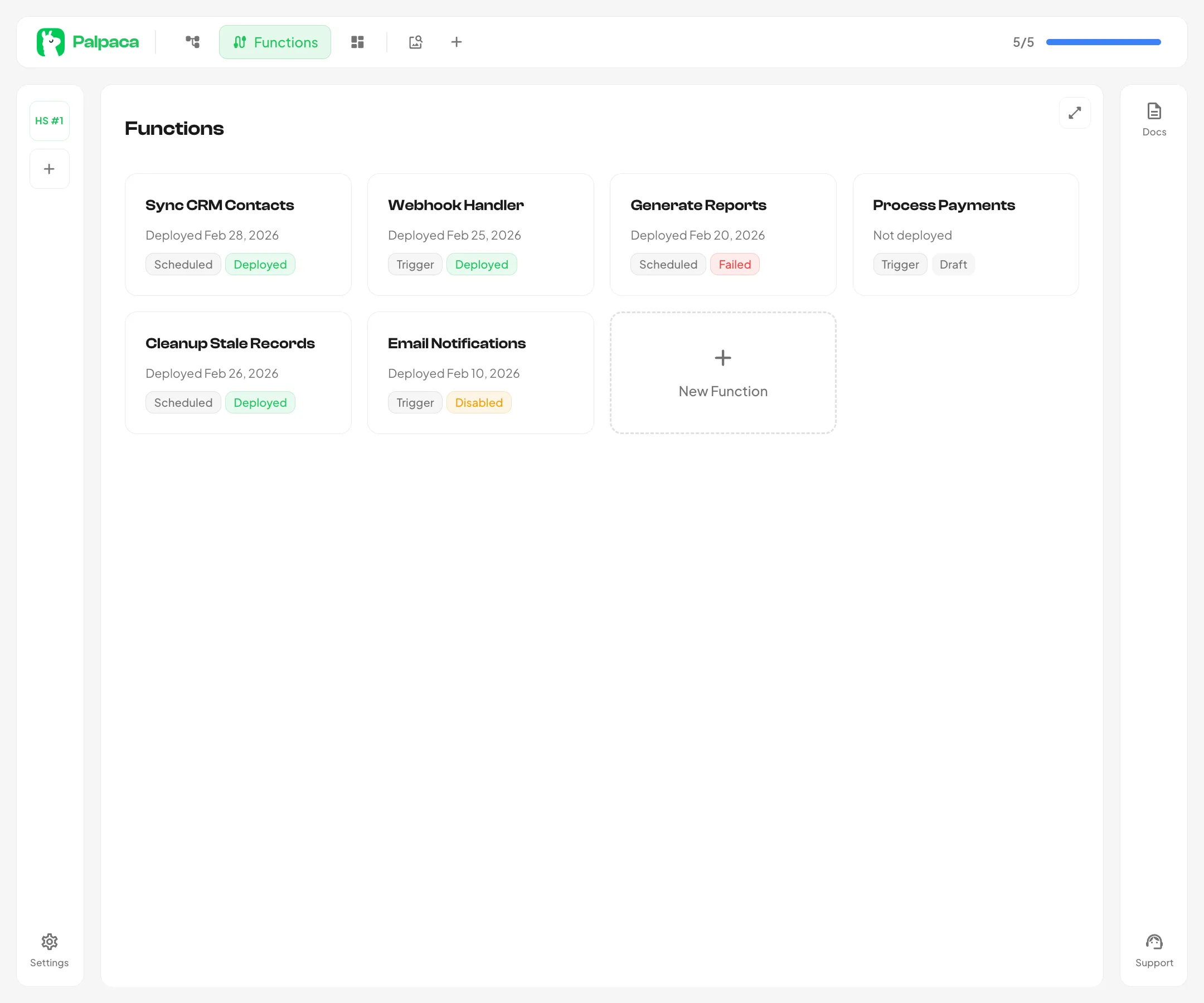
The functions page shows a card grid of all functions in your portal. Each card displays the function name, type badge, deployment status, and last deploy time. Click any card to open it in the function editor.
Creating a Function
Section titled “Creating a Function”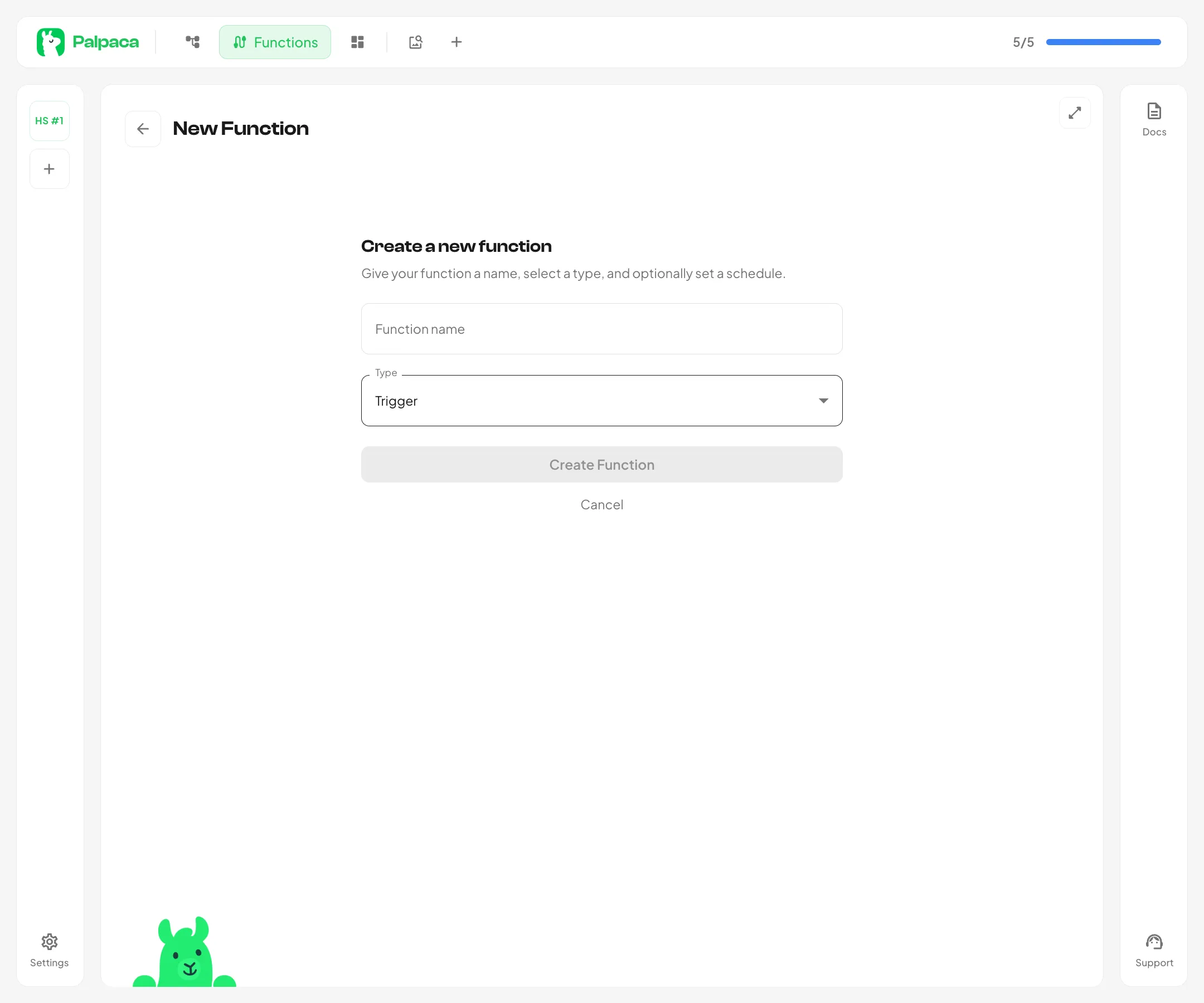
Click the New Function card (the dashed outline) to open the creation form. You will be asked for:
- Name — a descriptive name for your function (used as the script identifier)
- Type — choose between Trigger (HTTP) or Scheduled (cron)
- Cron expression — if you chose Scheduled, enter a cron pattern (e.g.
0 */6 * * *for every 6 hours)
After creation, you are taken directly to the function editor where you can start writing code with the help of the AI agent.
Function Statuses
Section titled “Function Statuses”| Status | Meaning |
|---|---|
| Draft | The function has been created but never deployed |
| Deployed | The function is live and running |
| Failed | The last deployment attempt failed |
| Disabled | The function has been manually disabled |